
Antenna Module Debugging
Product Description
Antenna Module Debugging
User Manual
Note: Supports product configuration parameters for CRPA anti-jamming GNSS A4A, A4AS, A8A, and other models.
1. Preparatory work before debugging, using the A4A product as an example.
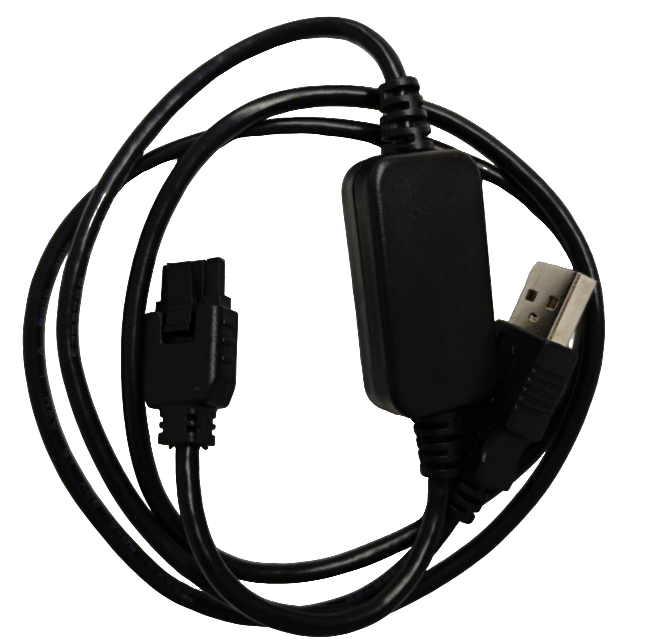
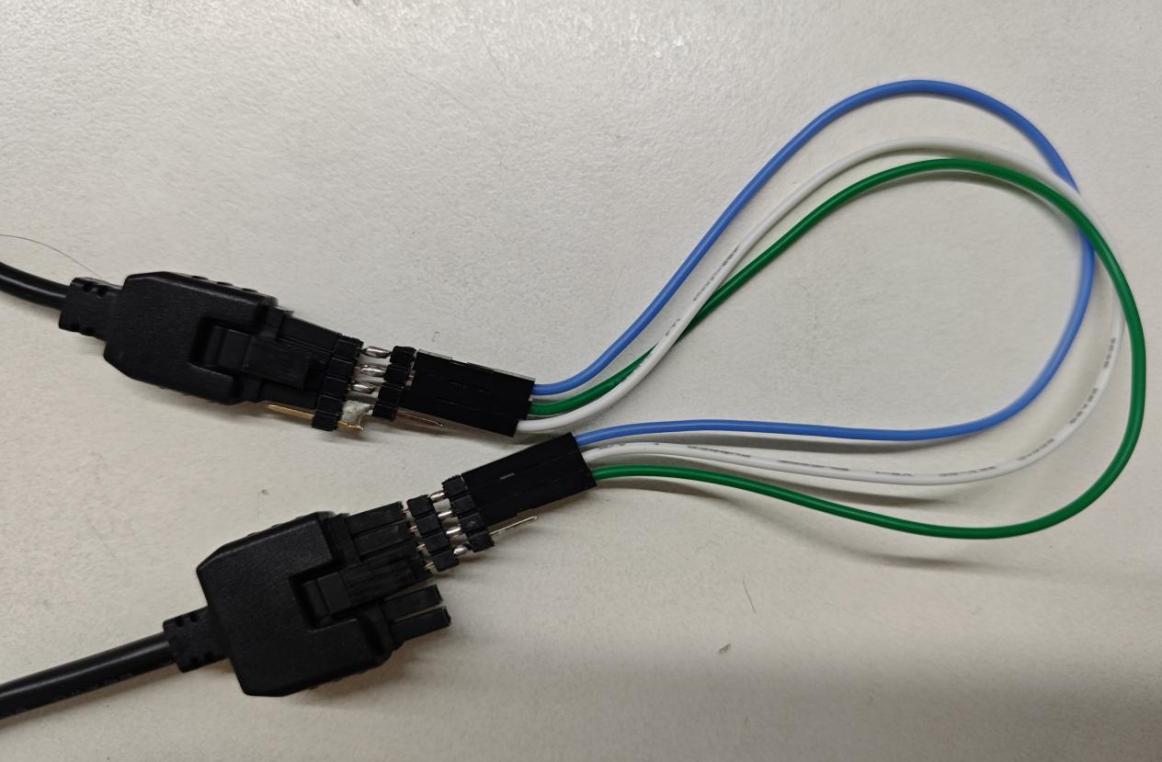
• Prepare a tuning cable: one end of the tuning cable is connected to the computer, and the other end is connected to the signal port of the A4A module.
Note: Tuning cable requirements: USB to TTL. Connection can be made via pin headers.
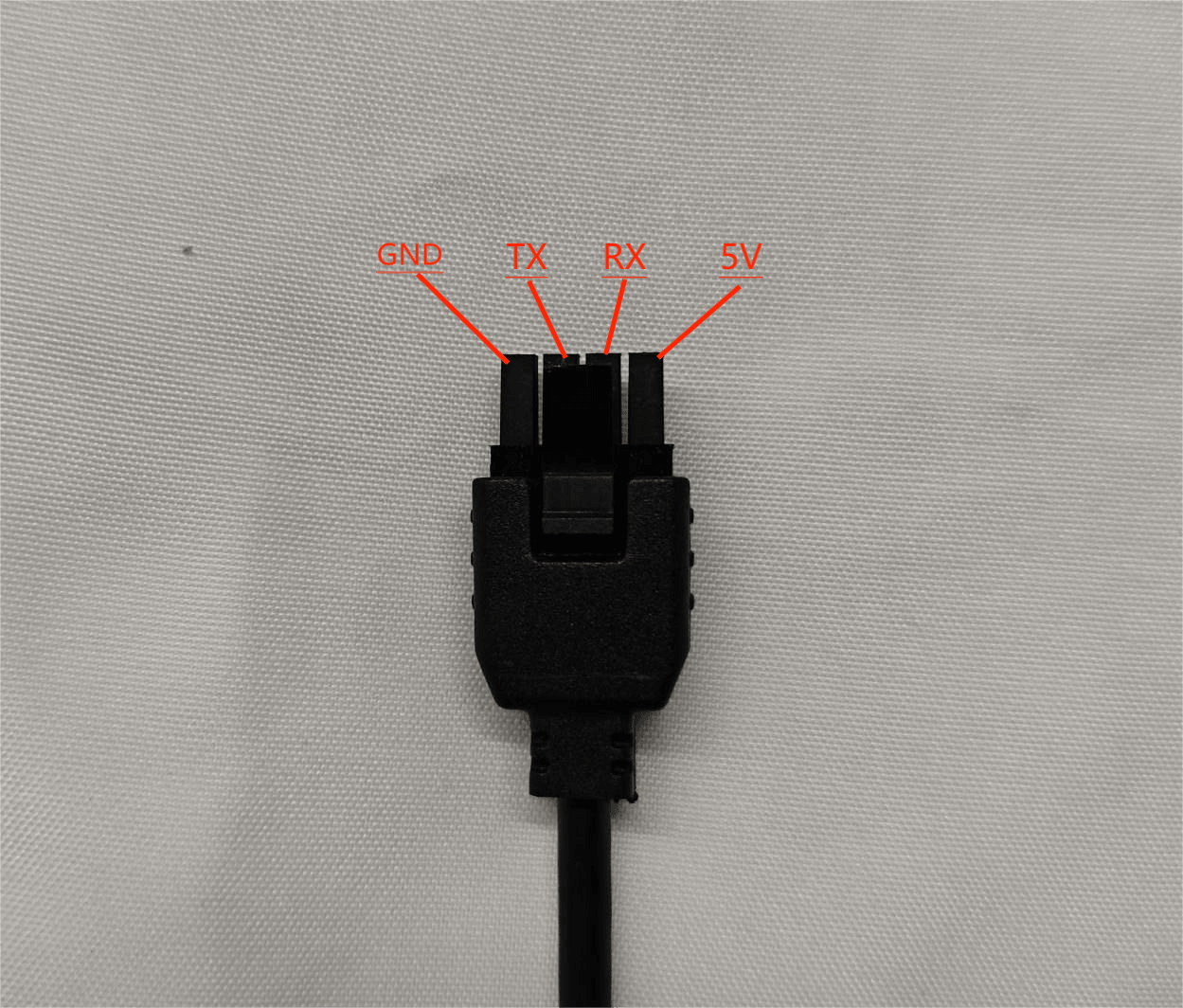
• The line sequence definition of the parameter adjustment line port is from left
to right: GND-TX-RX-5V.
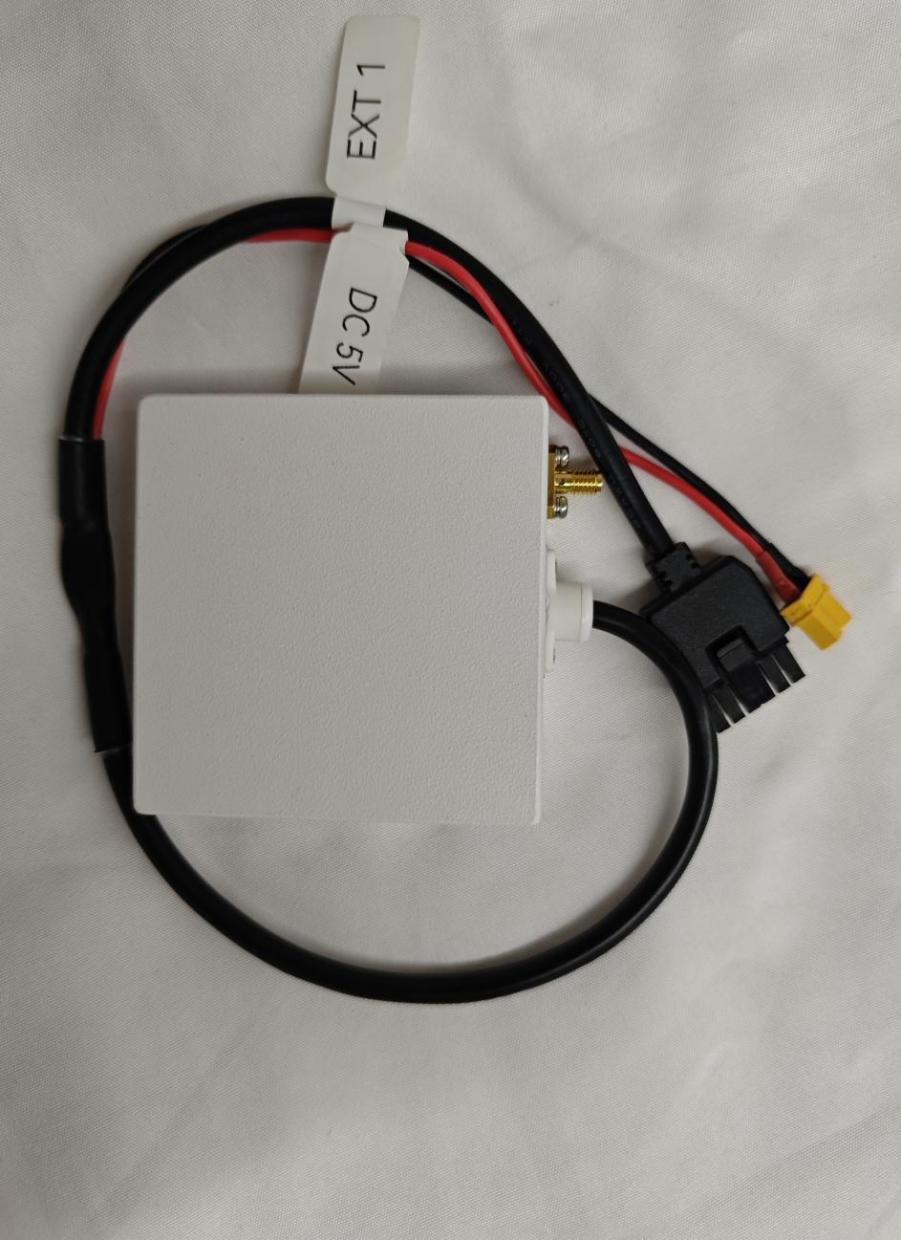
• Prepare a 5V power supply device: connect the XT30 power port of the A4A
module to power it.
• A4A module port line sequence definition, from left to right: GND-TX-RX.
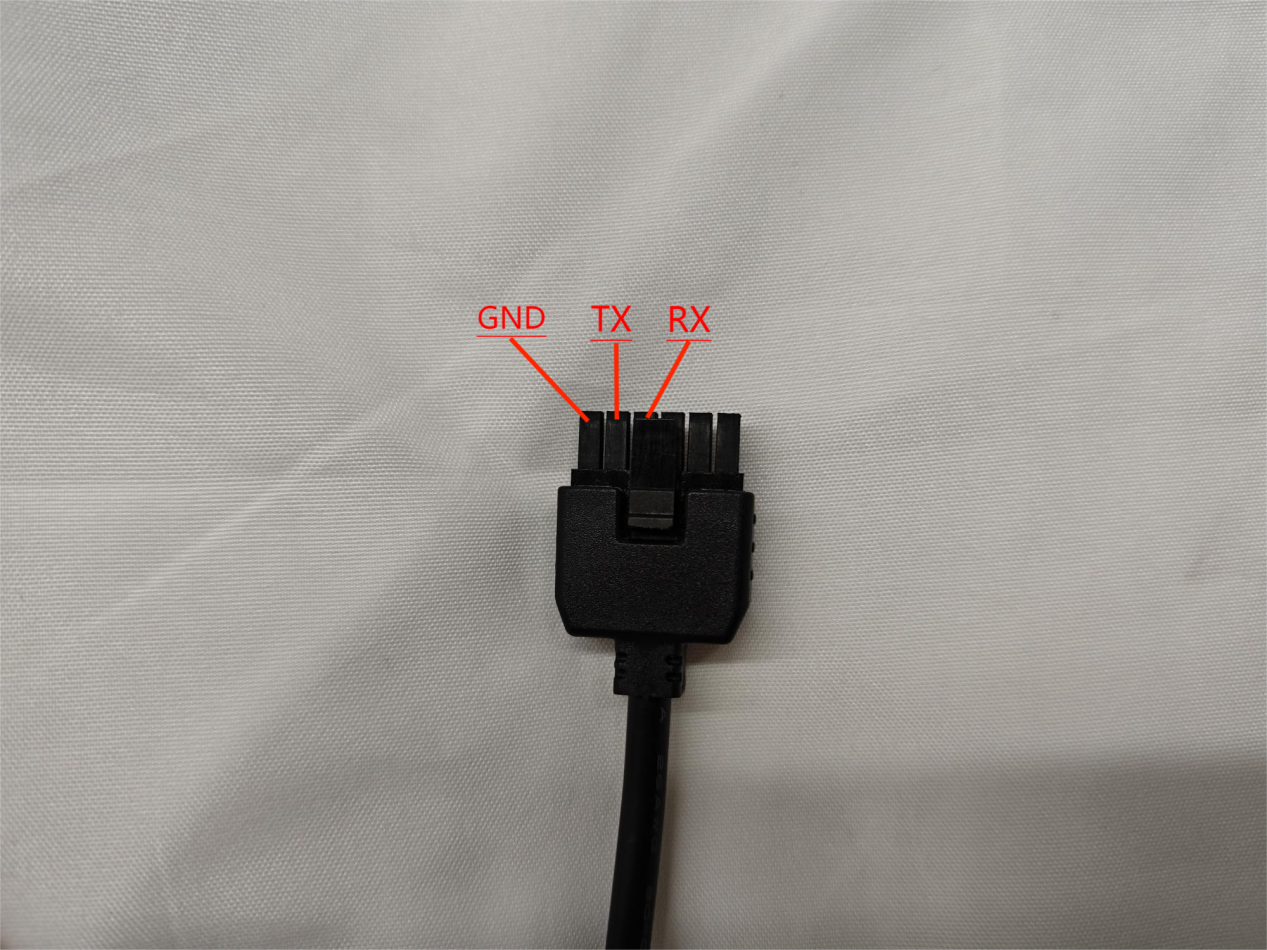
• Wiring Instructions: The A4A module 5V is powered separately by connecting to XT30, and the signal ports GNG-TX-RX of the tuning line correspond to the signal ports GND-RX-TX of the A4A module in sequence.
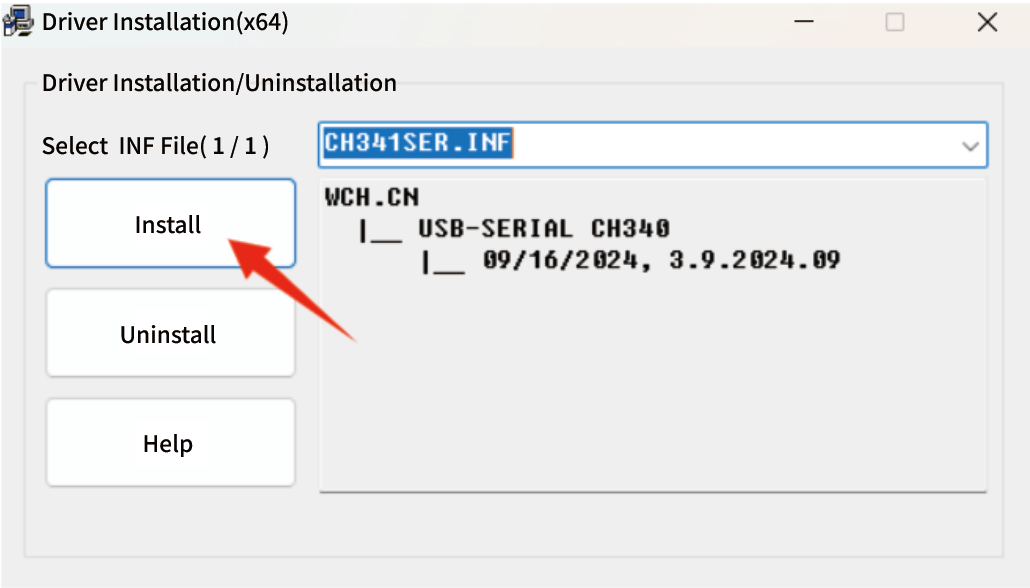
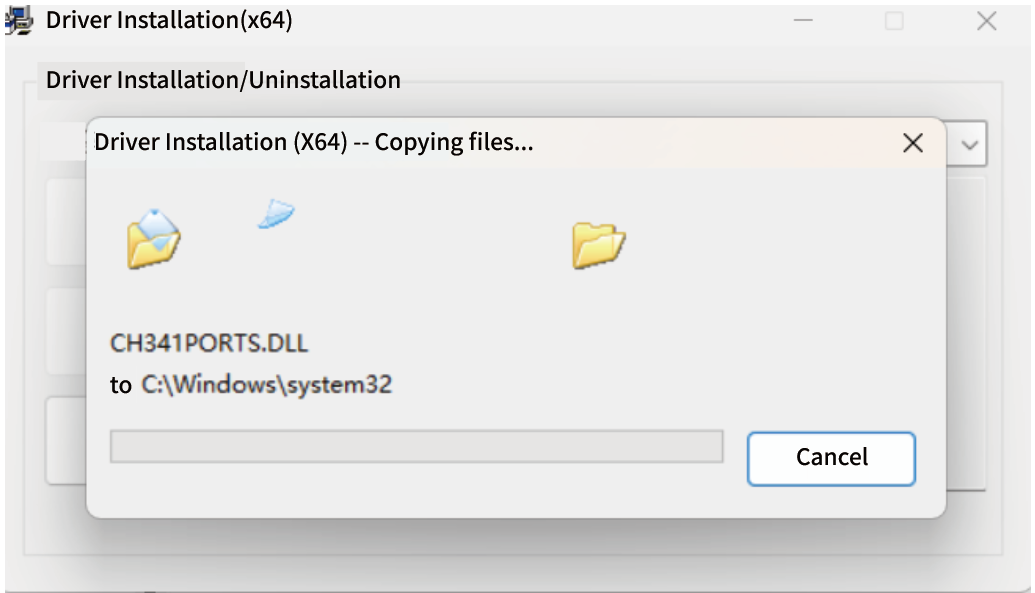
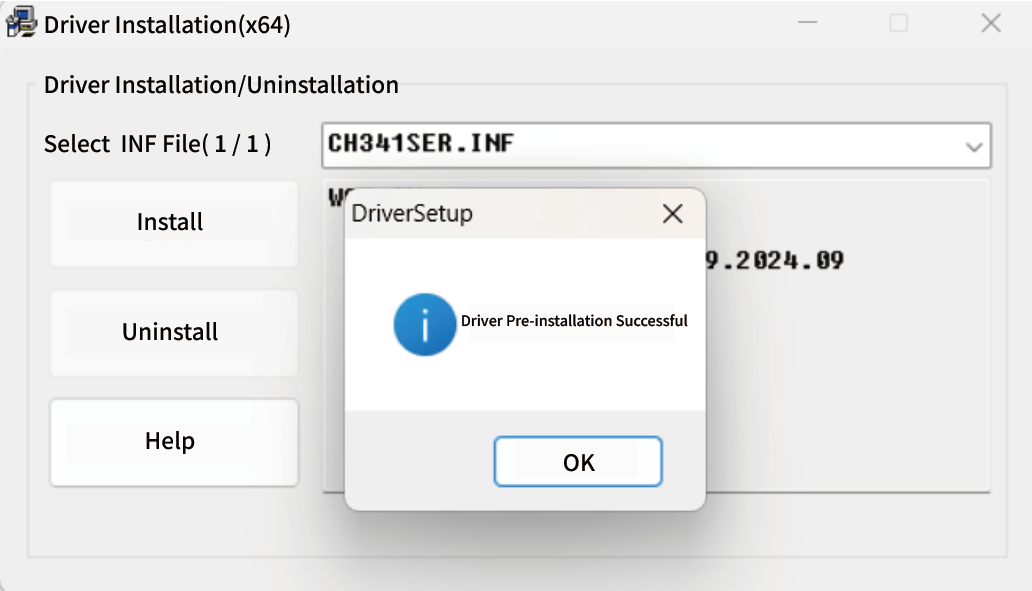
Install the "CH341SER(1).EXE" USB-to-serial port driver on your computer according to the following operation process.

Open the debugging tool. (Note: Before opening the debugging tool, the A4A module power supply line and debugging line must be connected in advance)
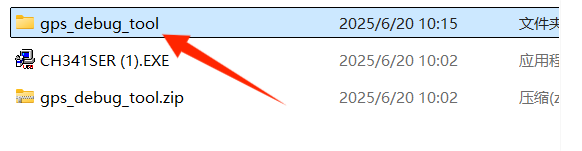
• Select the gps_debug_tool.Zip compressed package and decompress it.

• Open the unzipped gps_debug_tool folder.
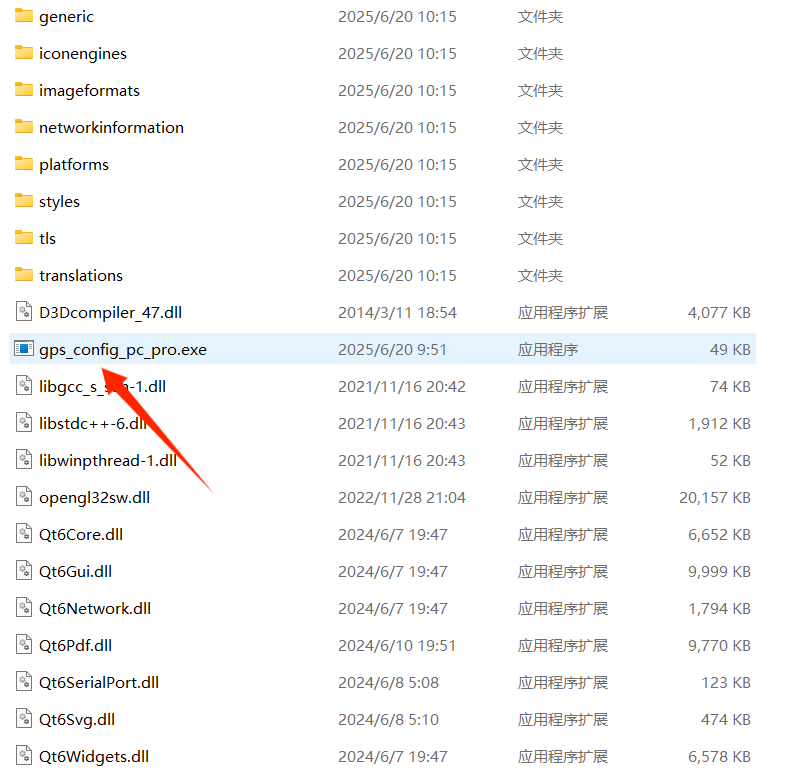
• Then double-click to open the application – gps_config_pc_pro.exe.
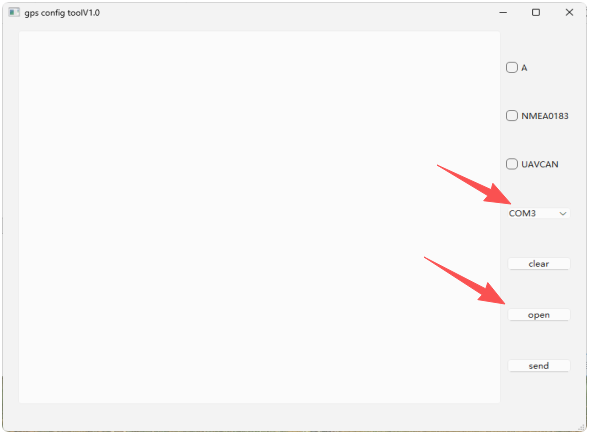
After entering the debugging interface, click open to connect the data.
When the data connection is established and the data shown in the image below is displayed, it indicates that the A4A module supports the specific product.
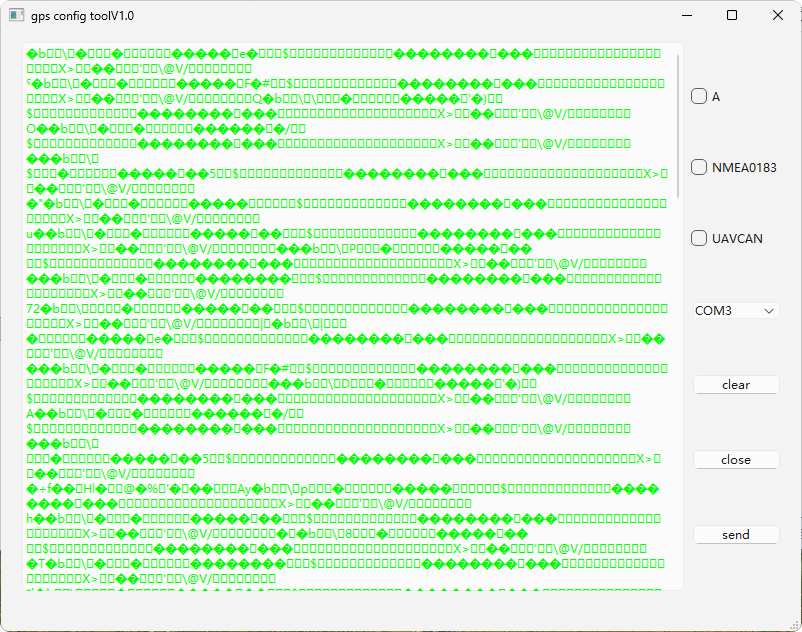
How to debug it to support the use with open source flight control, the method is as follows:
• First, select "NMEA0183" in this interface, then click send to send, and the switch is completed.
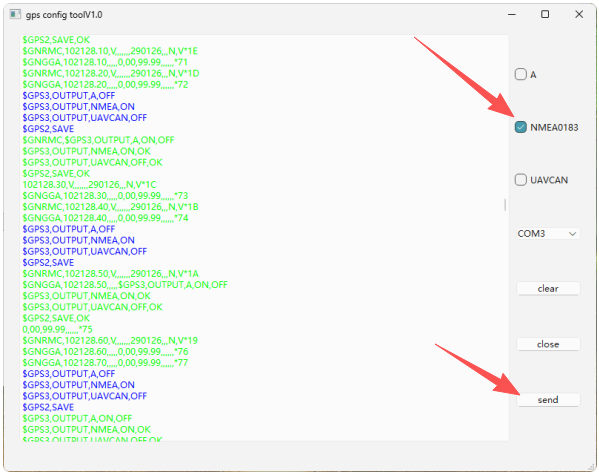
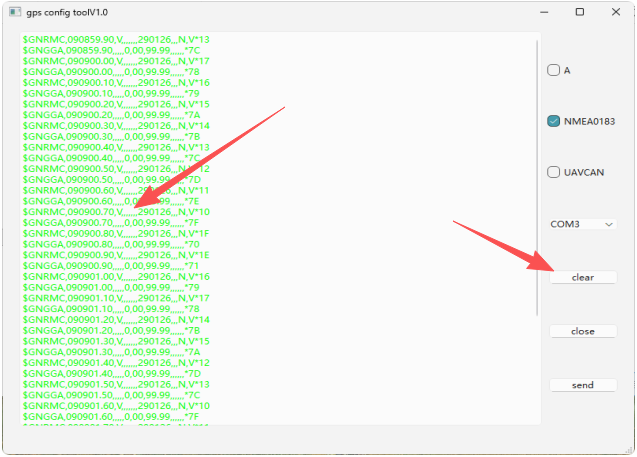
• Next, click "clear" to view the latest sent data. When data with GNGGA
appears in the data, it means that the A4A module can be used with open
source flight control.
Disclaimer
All specifications and interfaces are subject to change. Always verify operating limits before use.
