
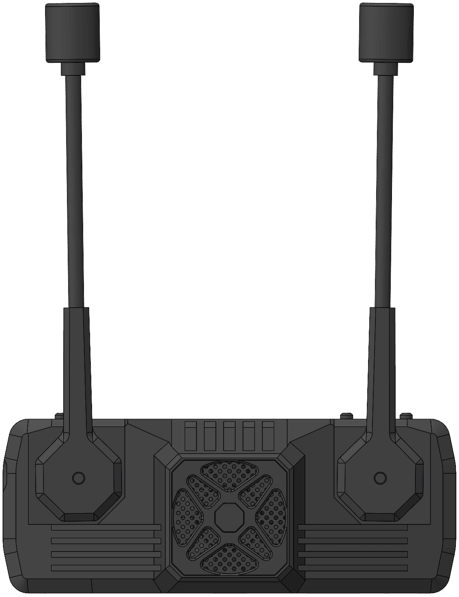
S30
Product Description
Item List
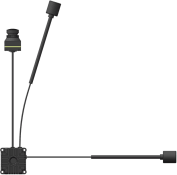
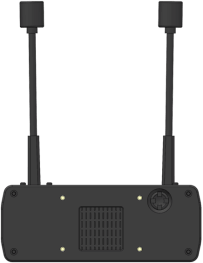
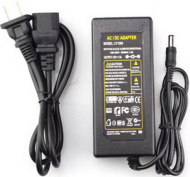
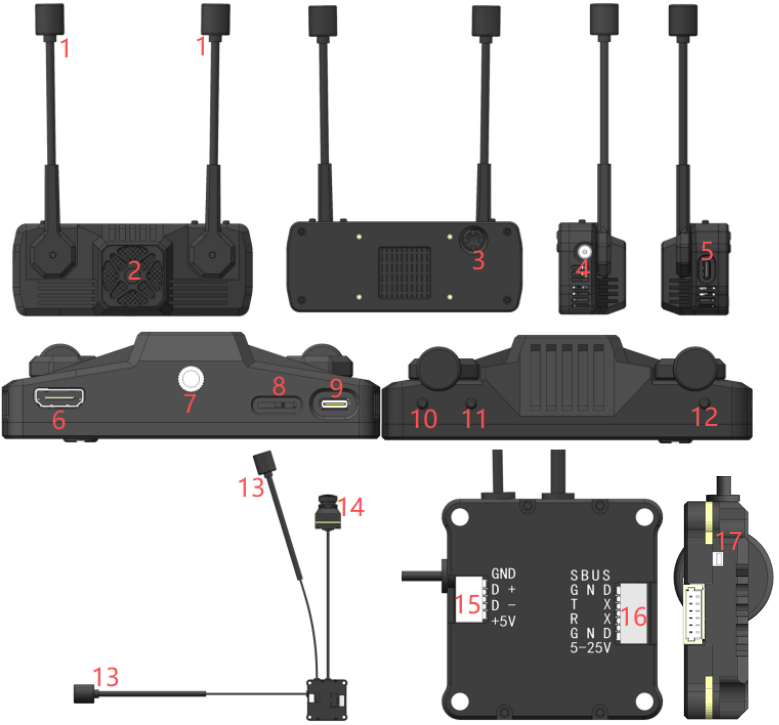
S30 Specifications
Precautions
Ensure antennas are correctly connected to both the airborne unit and ground unit before powering on, otherwise equipment damage may occur.
Pairing
1. Connect power to both the airborne unit and ground unit.
2. Briefly press the pairing buttons on both the sky unit and ground unit. When both enter pairing mode, the dual-color LED will rapidly flash while the buzzer emits a series of short beeps: beep… beep… beep…
3. Upon successful wireless connection, the ground unit buzzer will emit a sustained beep (beep…..) to indicate success. Subsequently, the steady green light on both the sky unit and ground unit confirms a normal wireless connection.
Flight Controller Connection Method
Betaflight Output Msp OSD Settings
1. Connect the flight controller’s relevant signals to the sky unit.
2. Configure the flight controller via the web page https://app.betaflight.com. If your page cannot locate the flight controller, refer to the method shown in the image below.
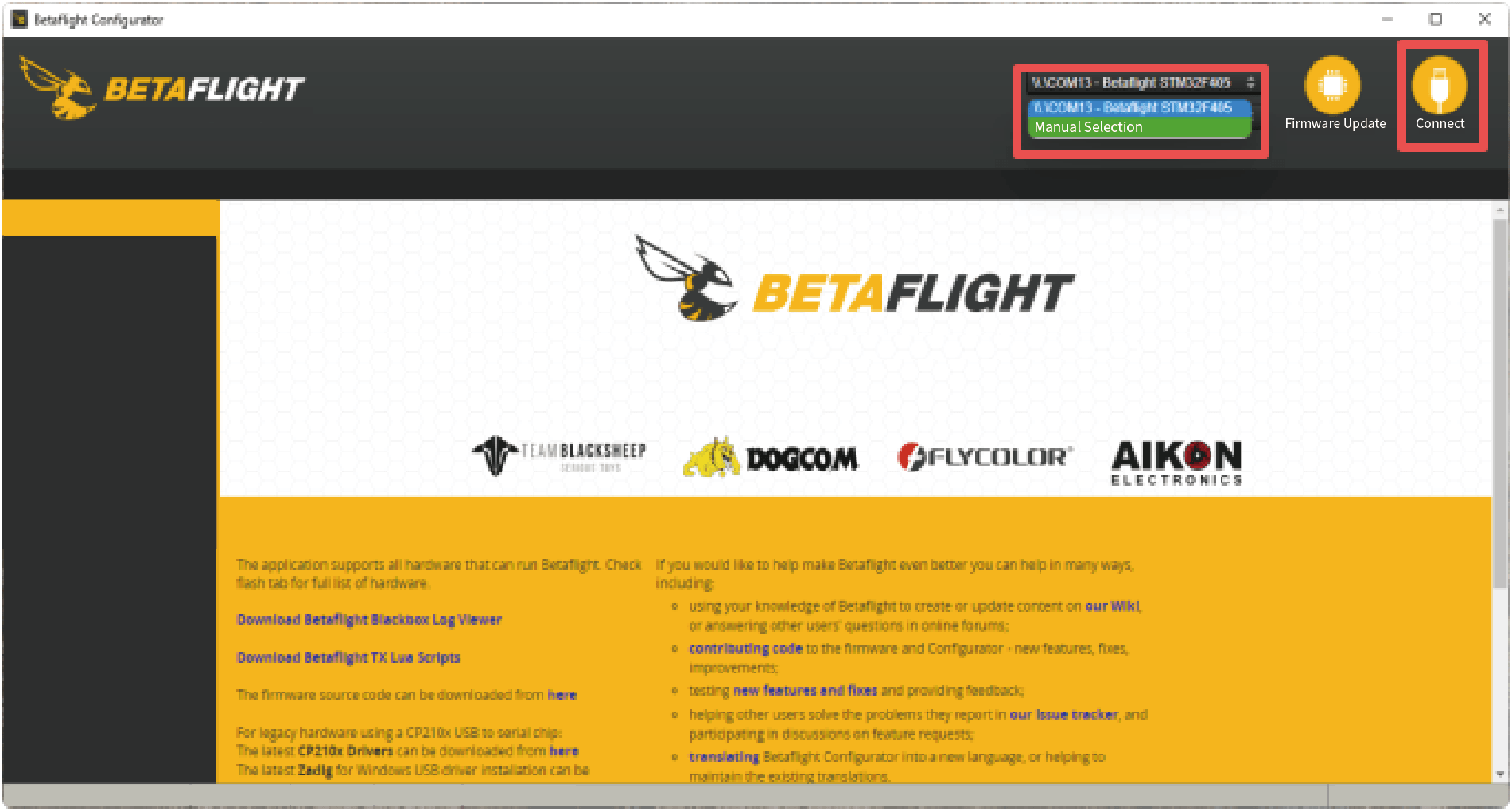
3. Connect the flight controller using Betaflight Configurator and select any serial port as the MSP display interface (UART2 is used as an example in the figure below).
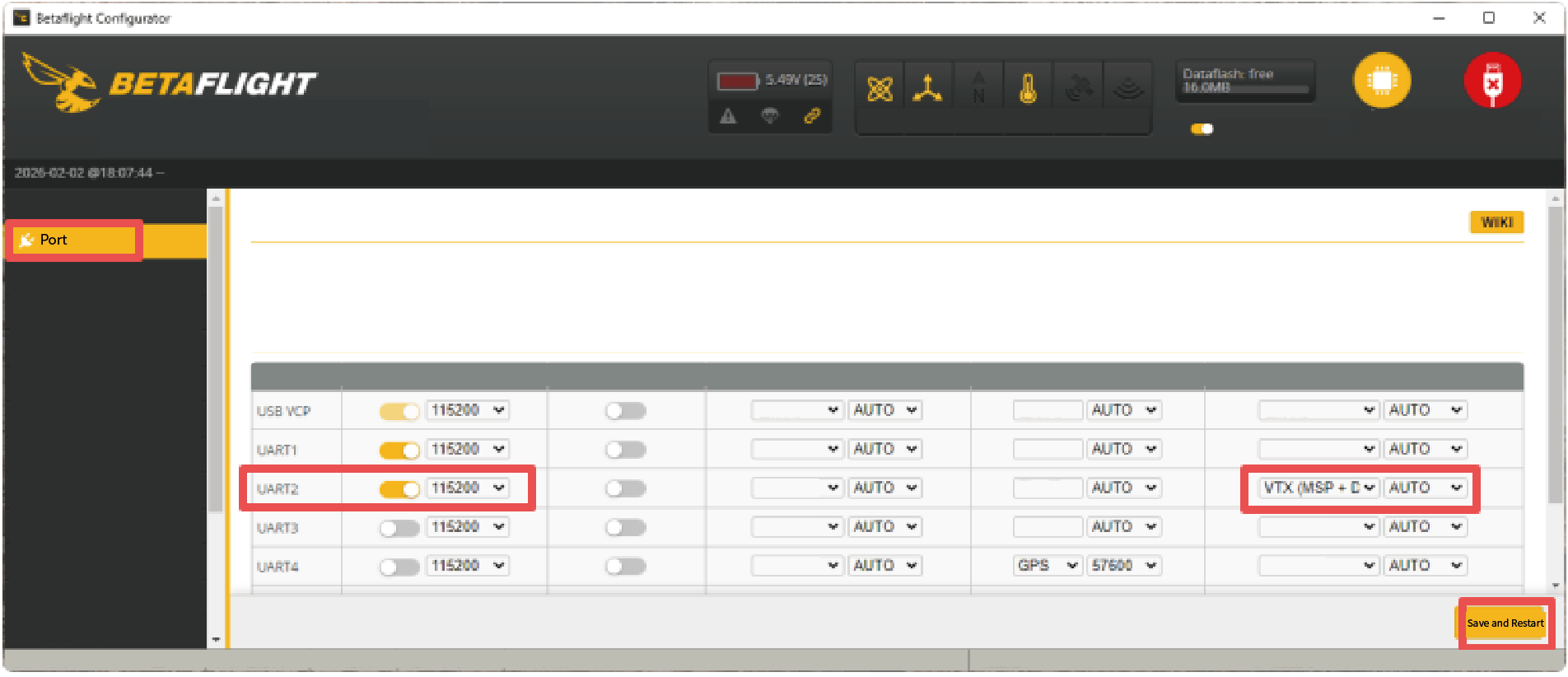
Save and restart the flight controller to complete the MSP OSD output configuration (the current interface font only supports HD video formats).
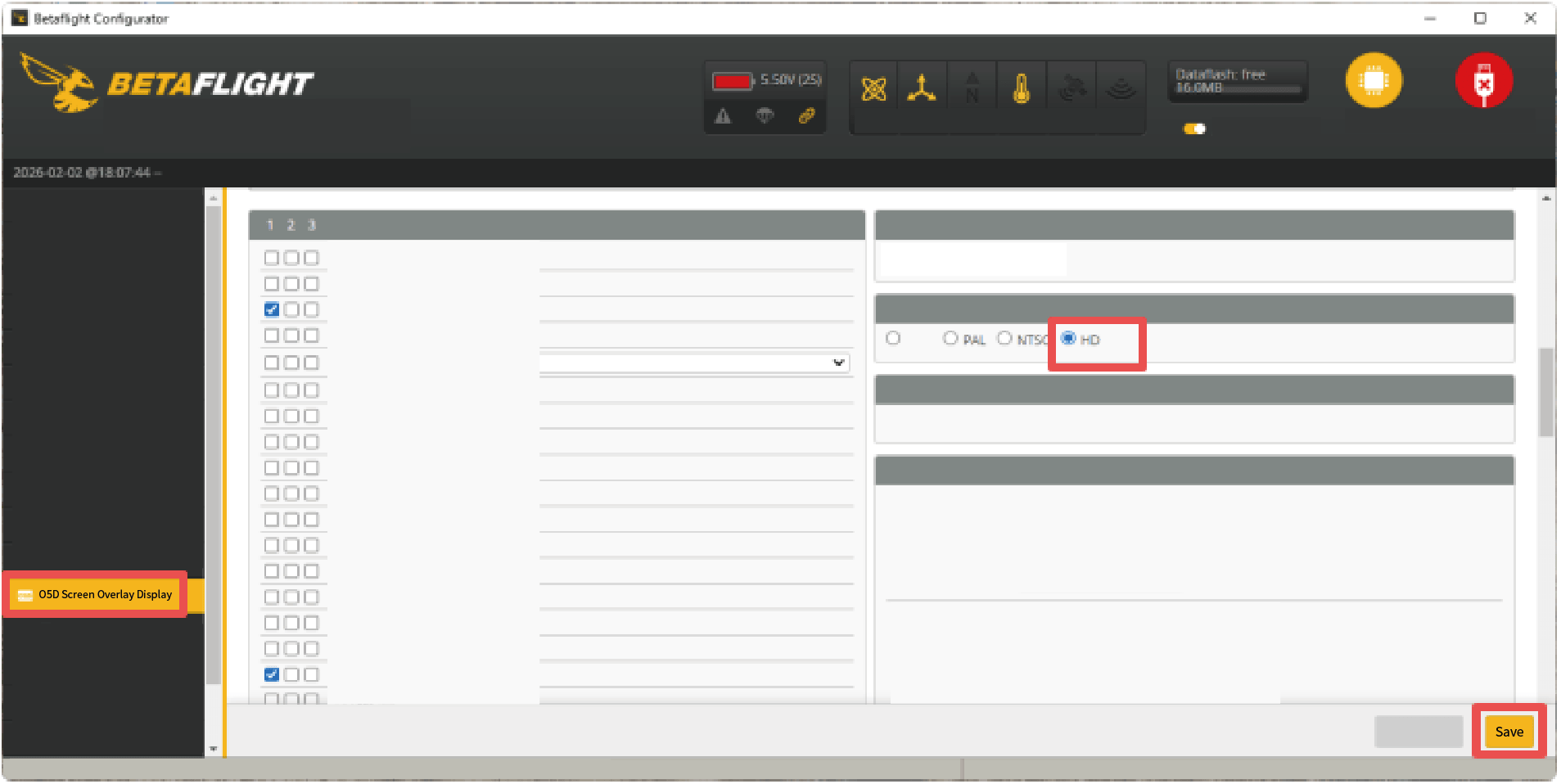
INAV Output Msp Osd Settings
1. Connect the flight controller’s relevant signals to the VTX.
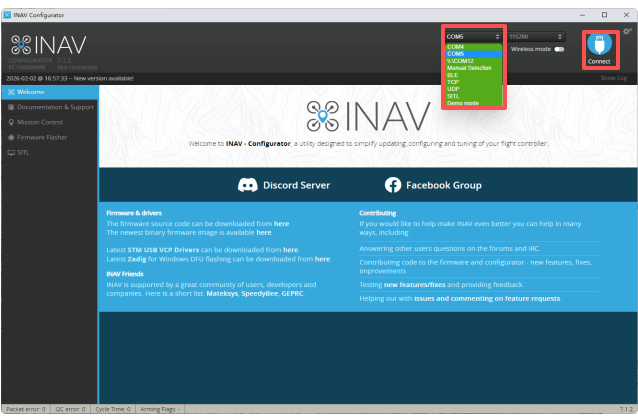
2. Connect the flight controller via INAV Configurator and select any serial port as the MSP display interface (UART4 is used as an example below).
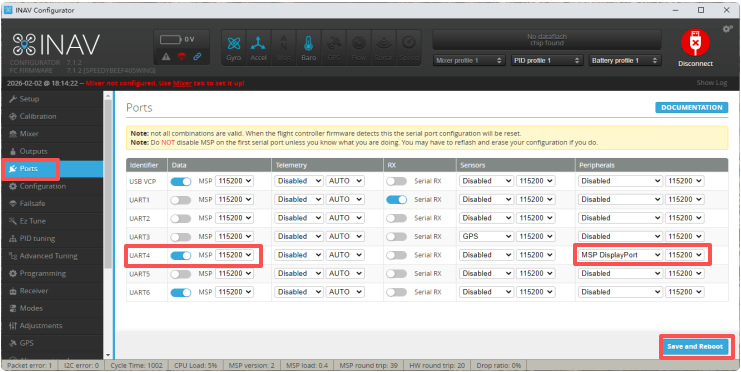
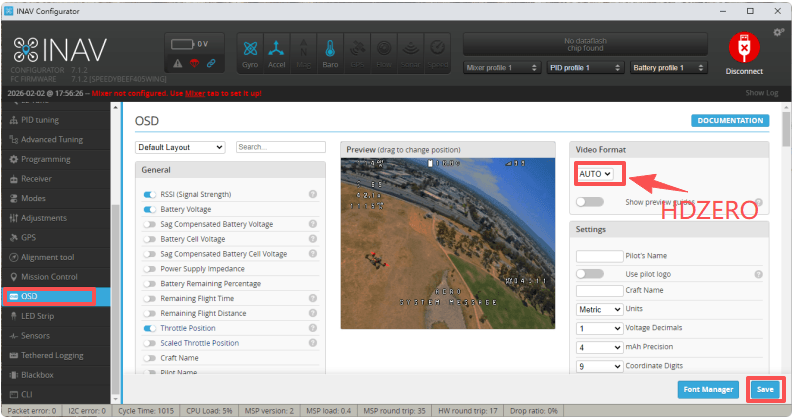
Save and restart the flight controller to complete the MSP OSD output configuration (the current interface font only supports HDZERO video format).
LED Indicators
Disclaimer
All specifications and interfaces are subject to change. Always verify operating limits before use.
